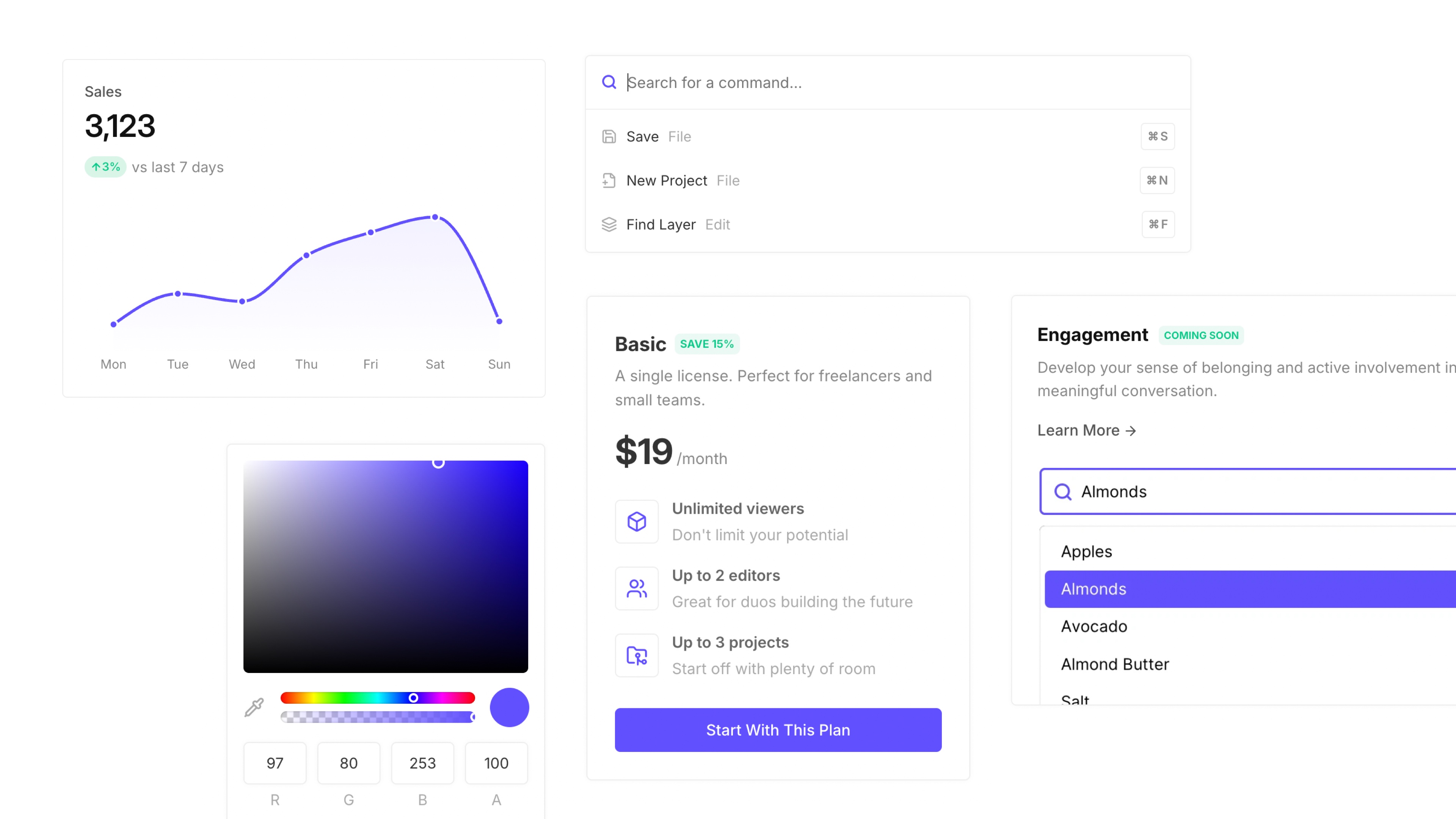
Mod is a CSS framework designed to accelerate SaaS app development. Key features include:
Ideal for:
Mod helps developers ship faster by providing a comprehensive set of UI components, eliminating the need to build from scratch and ensuring a consistent, high-quality user experience.
Mod is a developer tool listed on OpenHunts. The listing describes it as a CSS framework designed to accelerate SaaS app development.
Mod highlights production-ready components, saas-specific design, and customizable styles. The listed feature details mention ways to an ever-expanding library of pre-built UI components, components tailored for SaaS applications, ensuring a consistent and professional look, and 168+ styles and themes to quickly adapt the framework to your brand.
Mod is listed as freemium on OpenHunts. Check the official website for current plan limits, trials, and billing details.
Mod is best for saas developers, ui/ux designers, and startups building web applications. It is also useful for people comparing developer tools tools on OpenHunts.
Use the related projects section and category pages on OpenHunts to compare Mod with other developer tools tools by platforms, pricing, and community activity.

These tools are selected from similar categories, platforms, and community activity on OpenHunts.

app.build is a platform that helps developers rapidly prototype and build web applications. Key features include:Visual Editor: Drag-and-drop interface for designing user interfaces without code.Code Generation: Automatically generates clean, production-ready code from visual designs.Integrations: Connects to popular APIs and services for enhanced functionality.Ideal for:Web developers looking to speed up their workflowDesigners who want to create functional prototypesStartups building MVPs quicklyapp.build accelerates the development process by bridging the gap between design and code, enabling faster iteration and deployment.

Tailark Pro is a comprehensive Shadcn UI blocks kit designed for building and scaling marketing websites. Key features include:**Extensive Block Library:** Hundreds of beautifully crafted marketing blocks designed for conversion.**Complete Pages:** Fully customizable pages in four unique styles, complete with exclusive blocks and illustrations.**Seamless Integration:** Blocks seamlessly integrate with each other to help build high-performing marketing sites.**Responsive Design:** Ensures websites look great on all devices.Ideal for:**Web Developers:** Speed up development with pre-built UI components.**Marketing Teams:** Create high-converting landing pages and marketing websites.**Designers:** Quickly prototype and iterate on designs.Tailark Pro offers a complete solution for building modern marketing websites with a focus on speed, quality, and conversion optimization, leveraging the popular Shadcn UI library.

NextJS Starter is a streamlined foundation for building modern web applications with speed and reliability. Packed with pre-configured tools and best practices, it helps you focus on development instead of setup. Whether you’re a beginner or an expert, our curated NextJS starters give you everything you need to launch your project smoothly.

What Is My Screen Size? is a web-based tool that instantly detects and displays your device's screen dimensions, resolution, and display specifications. Key features include:Screen Size Detection: Automatically identifies your screen size in inches.Resolution Detection: Accurately determines your screen's resolution (e.g., 1920x1080).Pixel Density Calculation: Provides the pixel density (PPI) of your screen.Device Specification Lookup: Allows users to explore screen specifications for popular devices.Ideal for:Web developers needing to optimize websites for different screen sizes.Graphic designers ensuring their designs look sharp on various displays.Consumers curious about their device's display capabilities.It offers a quick and easy way to understand your screen's characteristics without needing to navigate through device settings.

Color Contrast Checker is a web-based tool that helps ensure your website's color combinations meet WCAG accessibility standards. Key features include:WCAG Compliance: Checks color contrast against WCAG AA and AAA requirements.Real-time Preview: Provides a live preview of text with the selected color combination.Contrast Ratio Display: Shows the contrast ratio between foreground and background colors.Ideal for:Web developersUI/UX designersAccessibility auditorsThis tool is interactive, free, and ad-free, making it easy to quickly assess color contrast for digital accessibility.