Introduction
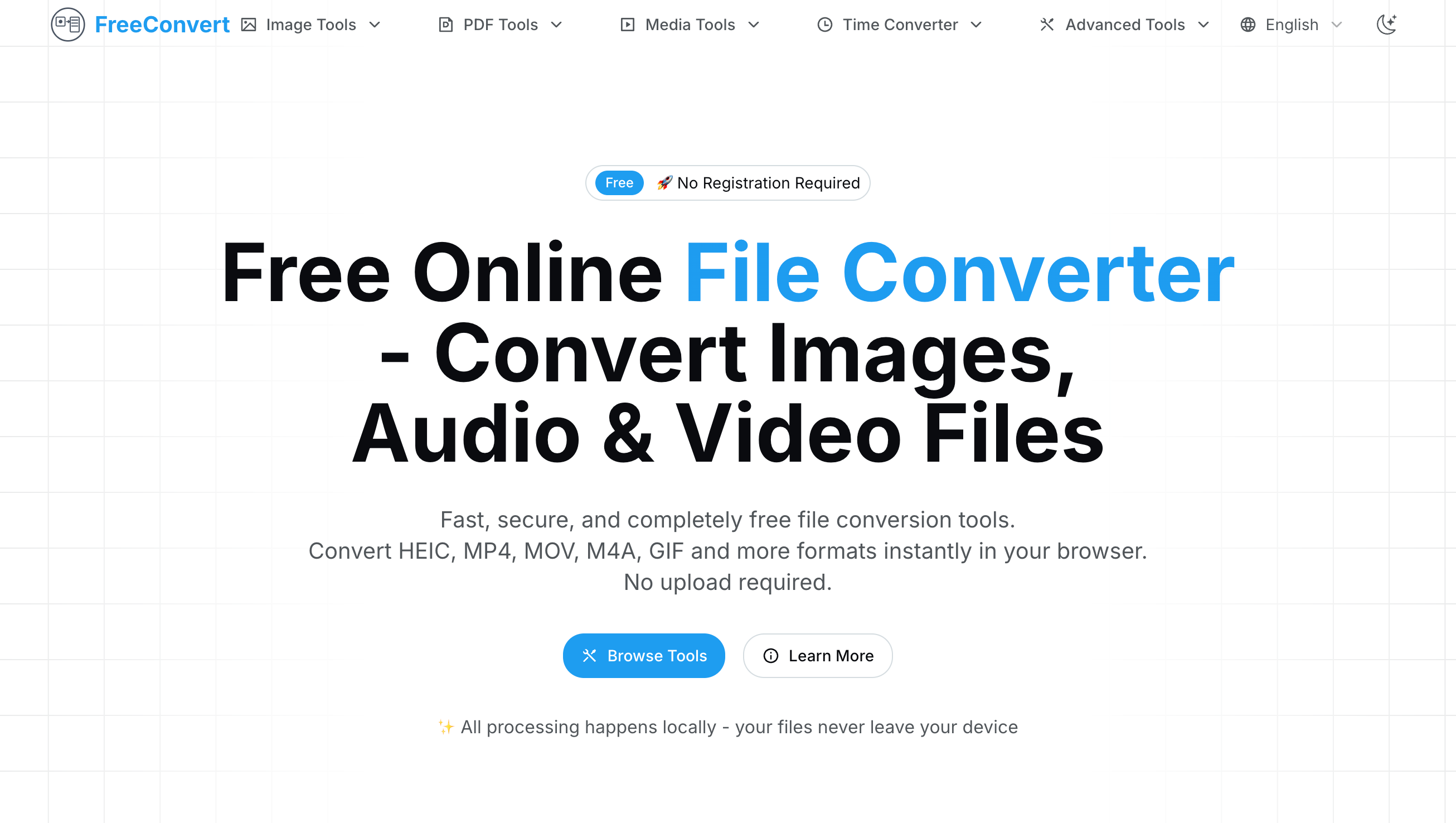
FreeConvert is a free online file converter that allows users to convert various file formats, including images, audio, and video, directly in their browser. Key features include:
Ideal for:
FreeConvert offers a convenient and secure way to convert files without the hassle of software installation or privacy concerns.

Pixel Art Village is an online tool that converts images into pixel art. Key features include:Image Conversion: Transforms PNG/JPG images into pixel art.Instant Preview: Provides a real-time preview of the pixelated image.Clean Export: Allows exporting of clean, grid-friendly pixel art images.Ideal for:Game developersDigital artistsHobbyists interested in pixel artPixel Art Village offers a simple and efficient way to create pixel art from existing images, making it accessible to users of all skill levels.

Wplace Paint Tool is a free web-based pixel art converter that transforms images into pixelated artwork. Key features include:Image Conversion: Easily convert PNG, JPG, and SVG images into pixel art with adjustable pixel sizes.Dithering Options: Enhance color transitions and detail with Floyd-Steinberg dithering.Palette Selection: Choose from preset palettes like Wplace, Pico-8, and more, or create custom palettes.Image Scaling: Select from Nearest Neighbor, Bilinear, or Lanczos scaling methods for optimal pixelation.Color Analysis: Displays the colors used in the generated image, including free and paid Wplace palette colors.Ideal for:Game developers creating retro-style graphicsDigital artists experimenting with pixel artHobbyists and beginners learning pixel art techniquesWplace Paint Tool offers a user-friendly interface and a range of customization options, making it accessible to both beginners and experienced pixel artists. The ability to use custom palettes and analyze color usage provides a unique level of control and insight.

IntroductionFixMyPics is a free, privacy-focused online image editing tool. It allows users to resize, compress, convert, and blur faces in images directly in their browser. Key features include:Image Conversion: Convert between various image formats like JPG, PNG, WebP, ICO, and PDF.Image Compression: Reduce image file size without significant quality loss.Face Blurring: Anonymize images by blurring faces for privacy.PDF Tools: Convert PDF documents to various image formats and vice versa.Ideal for:Users concerned about image privacy.Individuals needing quick image edits without software installation.Professionals requiring simple image format conversions.FixMyPics offers a secure and convenient way to edit images directly in your browser, ensuring your images never leave your device and respecting your privacy.

MP3TO is a free online audio converter that allows users to convert audio files between various formats. Key features include:Wide Format Support: Converts between MP3, WAV, FLAC, AAC, OGG, M4A, and more.Batch Conversion: Convert multiple files simultaneously.Customizable Quality: Adjust bitrate, sample rate, and channel settings.Ideal for:Musicians and producersPodcastersAnyone needing to convert audio files quickly and easilyMP3TO offers fast, secure, and high-quality audio conversion without requiring any software installation.

IntroductionAVIF Converter is a free online tool that converts AVIF images to JPG or PNG format. Key features include:Fast Conversion: Converts images quickly using an optimized processing engine.Secure Processing: Processes files locally and deletes them automatically after conversion, ensuring privacy.Cross-Platform Compatibility: Works on all devices and browsers without requiring software installation.Simple Interface: Easy-to-use interface with drag-and-drop functionality.Ideal for:Web developers needing to convert AVIF images for broader browser compatibility.Designers who need to work with AVIF images in applications that don't support the format.Anyone who wants a quick and easy way to convert AVIF images without installing software.AVIF Converter offers a fast, secure, and convenient way to convert AVIF images to more widely supported formats, all within a user-friendly online environment.

AI Convert Hub is an online file conversion and compression platform for video, audio, and images, built for speed, control, and security, supporting 200+ formats (MP4/MOV/WEBM/AVI, MP3/WAV/AAC/FLAC, JPG/PNG/WEBP/AVIF/HEIC/RAW), running in the browser with no software install, handling batch uploads or folders in one drag-and-drop flow, using a distributed pipeline and AI-tuned compression to keep quality high while shrinking size, with transfers protected by 256-bit SSL and optional post-processing cleanup to ensure privacy, offering power users codec-aware controls such as video codec, resolution, CRF/bitrate, frame rate, pixel format, profile, and preset; audio codec, bitrate, sample rate, channels, VBR; image resize and quality; plus custom command parameters, with a free tier up to 1GB to help creators, developers, and teams convert or compress 4K/HD video, podcasts and music, or web-ready images fast, featuring dedicated video/audio/image converter pages, a 200+ format library for from/to routes, multi-language and light/dark modes, clear status indicators for uploading, queued, processing, and finished tasks, and one-click CTAs to add more files, clear all, and download results, while SEO-friendly positioning highlights “online file converter,” “video converter,” “audio converter,” “image converter,” “batch converter,” “file compressor,” and “200+ formats,” emphasizing fast, secure, and quality-preserving conversion in the browser.