
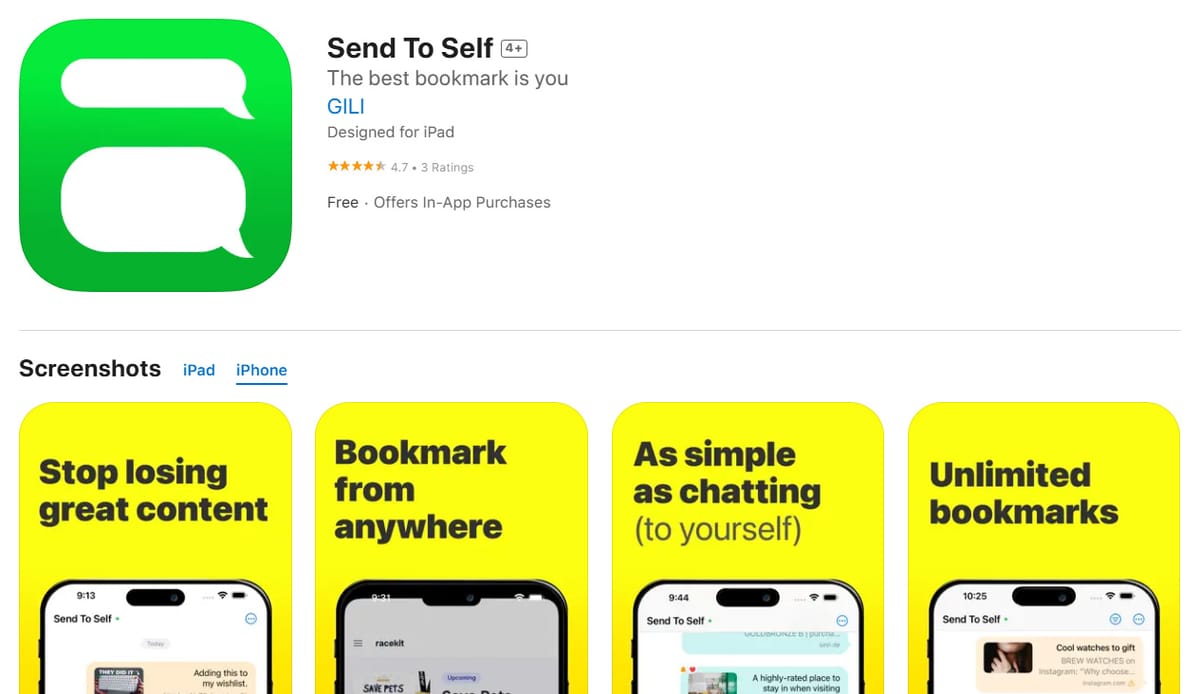
Send to Self is an intuitive iPhone app that simplifies how users save and organize online content. It replaces the common practice of texting or emailing yourself links and reminders with a dedicated, private space.
Key features include:
Easy Saving: Quickly save links, videos, and other content with just a few taps.
Organized Space: Keep all your saved items in one dedicated app, eliminating clutter.
Private and Secure: Your saved content is private and not shared with anyone else.
Cross-Platform Access: Access your saved content from any iOs device.
Ideal for:
Anyone who frequently sends themselves links, reels, or reminders.
Users who want a more organized way to save online content.
Individuals seeking a private, secure, and smart bookmarking solution.
Send to Self offers a more streamlined and efficient way to save and organize online content compared to traditional methods like texting or emailing yourself.
Send to Self is a productivity tool listed on OpenHunts. The listing describes it as an intuitive iPhone app that simplifies how users save and organize online content. It replaces the common practice of texting or emailing yourself links and reminders with a dedicated, private space.
Send to Self highlights easy saving, organized space, and private and secure. The listed feature details mention ways to quickly save links, videos, and other content with just a few taps, keep all your saved items in one dedicated app, eliminating clutter, and your saved content is private and not shared with anyone else.
Send to Self is listed as freemium on OpenHunts. Check the official website for current plan limits, trials, and billing details.


Send to Self is best for anyone who frequently sends themselves links, reels, or reminders., users who want a more organized way to save online content., and individuals seeking a private, secure, and smart bookmarking solution.. It is also useful for people comparing productivity tools on OpenHunts.
Use the related projects section and category pages on OpenHunts to compare Send to Self with other productivity tools by platforms, pricing, and community activity.
These tools are selected from similar categories, platforms, and community activity on OpenHunts.

MelonCrate is a home inventory app designed for effortless organization, built directly from community feedback. Key features include:Simple, User-Friendly UIFast addingInfinite location nestingNew checkout featureAlertsAudit logsInventory ExportIdeal for:OrganizersThose with ADHD/OCDCollectorsAirbnb and Property OwnersPeople Moving HomesHome Insurance ClaimsMelonCrate stands out with its mobile-first design, speed, and commitment to a clutter-free, ad-free experience, making home inventory management simple and enjoyable.

IntroductionSawa is a group restaurant picker app that simplifies the process of choosing where to eat with friends. Key features include:Collaborative Swiping: Start a session and swipe through restaurants together.Mutual Matching: Only restaurants that everyone picks are matched, eliminating indecision.Restaurant Discovery: Discover new restaurants in your area.Quick Decision-Making: Decide on a restaurant in seconds, avoiding lengthy conversations.Ideal for:Groups of friendsCouplesFamiliesSawa eliminates the back-and-forth of group restaurant selection, making it fun and efficient to find a place everyone agrees on.

Behavioral finance app that helps stop impulse spending with psychology-backed tools and real-time nudges. Key features include:Impulse spending tracker: Identify and understand your spending triggers to gain control.Mindful spending tools: Utilize behavioral finance principles for better financial wellness.Real-time nudges: Receive timely prompts to prevent impulsive purchases.Ideal for:Individuals struggling with impulse spendingThose experiencing financial anxietyAnyone seeking to build better money habitsA psychology-backed solution for overcoming impulse spending and achieving financial control.

Stop paying $60+/mo for separate AI subscriptions.ChatXOS is an all-in-one AI chat app for iPhone that gives you access to all major models for just $13/mo. Key features: • Instant Model Switching: Switch between ChatGPT, Claude, Gemini, Grok, and DeepSeek within a single conversation.• Unified Chat History: Keep all your conversations in one searchable place.• Compare Answers: Compare responses from different AI models with a single tap.Built for people who use AI daily but are tired of subscription sprawl.

Macaron AI is a personal AI agent designed to help users live better by building mini-apps and remembering information. Key features include:Mini-App Creation: Instantly builds personalized mini-apps based on user requests.Deep Memory: Learns and remembers important details, acting like a personal assistant.Personalized Solutions: Provides real-life tools tailored to individual needs without complex adjustments.AI Humanizer: Offers a more human-like interaction compared to other AI tools.Ideal for:Students needing help with coursework and organization.Individuals seeking personalized solutions for daily tasks.Anyone looking for an AI assistant that prioritizes their well-being.Macaron AI differentiates itself by focusing on improving users' lives rather than just increasing productivity, offering a unique and personalized AI experience.

For a long time I had a small but annoying problem. I like tracking habits, but not only the yes/no kind like did I meditate today. I also care about numbers. Wake up time, steps, glasses of water, calories. For me the numbers are half of the picture, and almost no tracker treated them that way.The journey to itFirst I just used apps. Streaks for the habits, Apple Health for steps and weight, a few others for the rest. Each one fine on its own, but my progress was scattered across four apps and I never had one screen to see how my month actually went.Then I went analog. A Moleskine, everything by hand. I loved it for a few weeks, but a notebook doesn't add anything up for you, and once you miss two days you stop opening it.So I moved to Excel (Numbers, actually). One grid, habits and metrics together, green and red cells, a few formulas. This finally clicked, and I tracked like that for almost two years. The problem was the obvious one: painful on the phone, easy to forget when I wasn't at my laptop, and not something you look forward to opening.The solutionHabit Pocket is that spreadsheet turned into a real app, on web and iOS. Same grid, same logic, but it works on your phone, it doesn't break when you skip a day, and it can chart any habit against any other so you can find the correlations you always suspected were there.What it does:Three habit types in one grid — checkmarks, numbers, and real times of day, side by side. A wake-up of 07:15 is an actual time, not a number in disguise.A grid, not a list — group habits into sections, drag to reorder, and exclude weekdays that don't apply.Streaks that respect rest — a skip pauses your streak instead of breaking it, so a day off doesn't punish you.Charts that find correlations — overlay any habit on any other. Pro adds a candle chart that pairs two times (wind down and wake up) with a quality score, plus a custom chart builder for your own dashboard.Synced and offline-first — real-time across iOS and the web, and your phone keeps working with no signal, syncing the moment you reconnect.Private by default — your habits and values are never shared, no ads, no data selling. End-to-end encryption is on the roadmap.