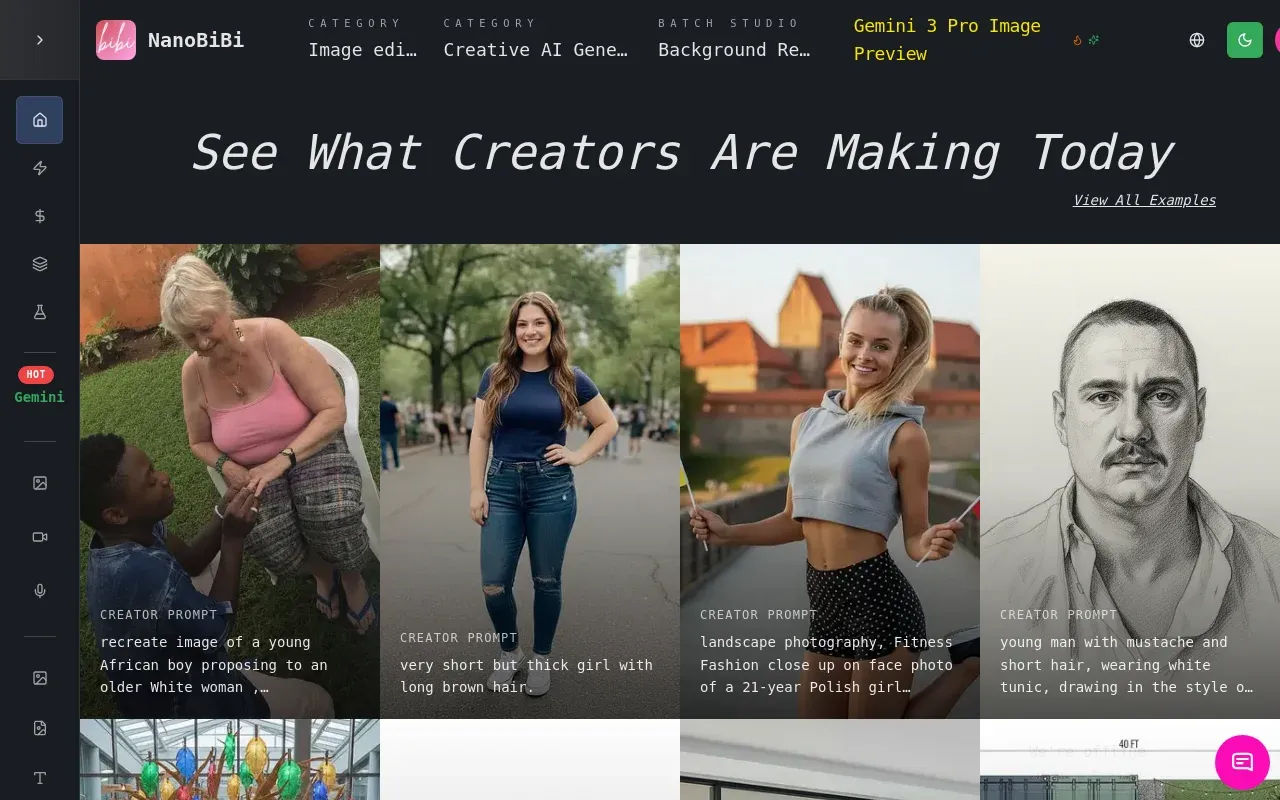
NanoBiBi is an AI-powered batch image editor designed for e-commerce and other visual content needs. It allows users to automate image editing tasks in bulk. Key features include:
Ideal for:
NanoBiBi offers a fast and efficient alternative to manual image editing and traditional Photoshop batch processing, saving users significant time and effort.

Creavit Studio is a macOS screen recording and video editing tool designed for creating professional-looking content quickly. Key features include:Background Removal: Easily remove and replace video backgrounds without a green screen.Custom Cursor: Customize the cursor appearance after recording for clarity and branding.Camera Tracking: Keep the camera focused on the cursor for engaging tutorials and demos.Automatic Zoom & Focus: Intelligent zoom and focus to highlight key areas during recording.Ideal for:Content creators producing social media videosProduct marketers creating demo videosEducators and trainers developing video tutorialsCreavit Studio offers a streamlined workflow, enabling users to produce high-quality videos without extensive editing experience, making it a powerful alternative to more complex video editing software.

AI Image Editor is an AI-powered platform for image editing and enhancement. Key features include:Background Removal: Instantly remove image backgrounds with precision.Image Upscaling: Enhance image resolution and clarity using AI upscaling.Image Enhancement: Automatically improve image quality and details.AI Image Resizer: Resize and reframe images with smart cropping.Ideal for:Photographers seeking quick editsSocial media managers needing engaging visualsBusinesses requiring professional-grade image enhancementsAI Image Editor offers professional-grade image editing tools powered by AI, making it accessible to users of all skill levels.

Editpal is an AI-powered image editor that simplifies photo editing with text prompts. Key features include:AI Image Editor: Modify images using simple text commands.AI Image Generation: Create images from text descriptions.AI Image Editor Tools: Support a wide range of AI-powered tools, including inpainting, magic erasing, background replacement, image upscaling, and more.Ideal for:Social media managersContent creatorsAnyone needing quick and easy image editingEditpal offers a user-friendly experience, making complex photo editing accessible to everyone.

What is Pinin? And what does it do?Pinin is a state-of-the-art image restoration tool that leverages the latest AI models and technologies to bring photos back to life.It can colorize, deblur, remove dust & scratches, upscale and much more.The examples page contains multiple real examples of photos that were restored using Pinin.ai. It showcases the use cases of the tool, that go from restoring damaged photos taken in the 60’s, to de-blurring modern photos, improving the look and resolution of small photos, colorizing, restoring the original colors after fading & much more.How does it compare with other tools?The accuracy of Pinin surpasses industry leaders like ChatGPT, and even models that were specifically trained on restoring photos such as Codeformer, ddcolor or GFPGAN.While other models either do not restore the damage and/or create unwanted artifacts, AI faces and other issues that arise with the use of AI for standard photo generation, Pinin focuses on maintaining the original details and face features.Most AI models were trained on pristine images, so when they see damage, they hallucinate details instead of intelligently reconstructing them.With the right prompting, ChatGPT can do wonders. But it’s not ready for image restoration. It was not trained for image restoration. The models used by Pinin were trained on hundreds of photos from all around the world. This allows Pinin to carefully and faithfully restore lost details, faces, words, and even animals.Did I already say it's free to try?The first photo restoration is completely free. No questions asked. No credit card required. Just head to https://pinin.ai/photo-restoration, login and restore your first photo.

IntroductionFlux Kontext AI is an advanced AI image generation and editing platform. Create stunning visuals from text prompts and edit existing images with precision. Key features include:Text-to-Image Generation: Transform text descriptions into high-quality images.AI Image Editing: Edit images using natural language commands.Multi-Image Processing: Process multiple images simultaneously.Character Consistency: Maintain character consistency across multiple generations.Ideal for:Designers and artists seeking AI assistance.Marketers needing visual content creation.Developers integrating AI image capabilities.Flux Kontext AI offers a powerful and intuitive platform for creating and editing images with AI, providing users with unparalleled control and creative possibilities.

From Product Link To Video in one click. AI Product Link To Video Maker makes professional video ads effortless. No experience needed, stunning results guaranteed.