
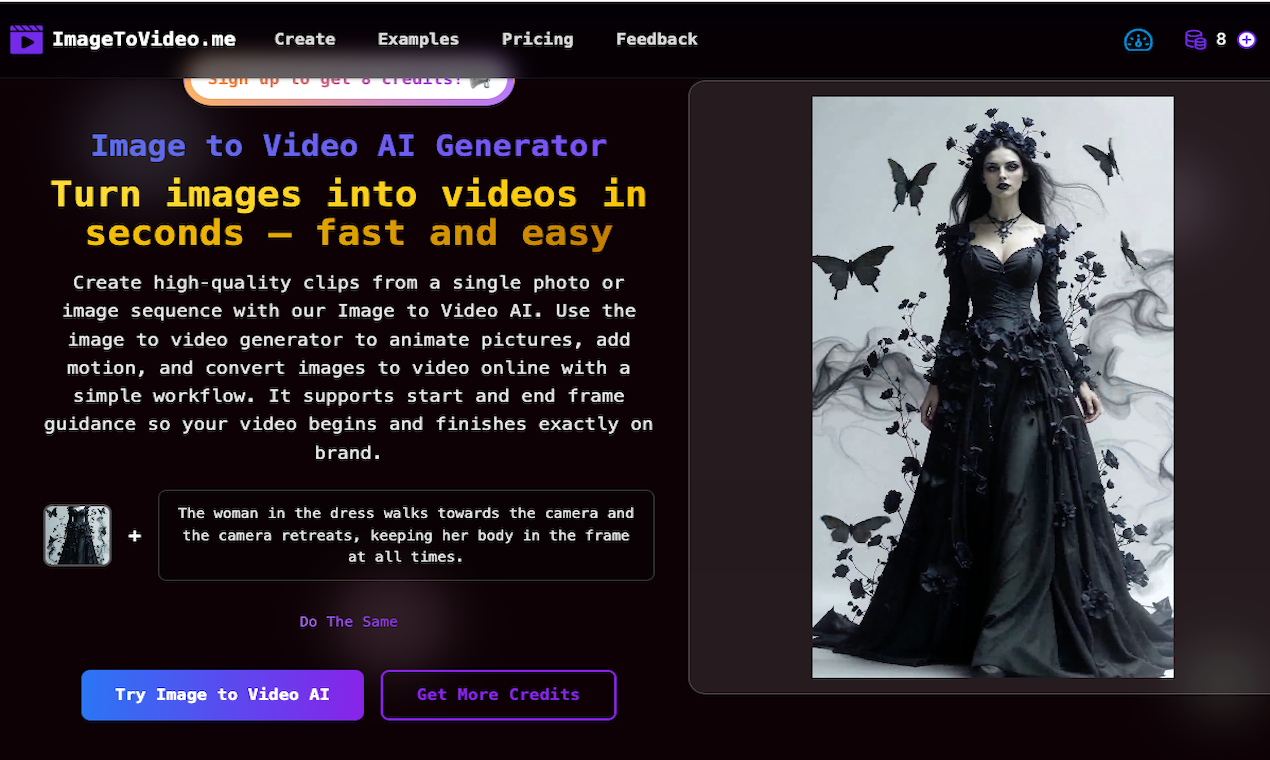
Image to Video AI is an AI-powered platform that transforms images into engaging videos. Key features include:
Ideal for:
Image to Video AI simplifies video creation by allowing users to generate high-quality clips from static images, saving time and resources compared to traditional video editing.

Paper is an AI-powered social scheduling tool that automates content creation and distribution across various social media channels. Key features include:AI-driven content generation: Creates engaging posts based on your input.Cross-platform scheduling: Schedules posts across multiple social media platforms.Adaptive scheduling: Optimizes posting times for maximum engagement.Ideal for:Social media managersMarketing teamsSmall business ownersPaper simplifies social media management by automating the entire process, saving time and improving content performance.

Glima is an AI-powered image and video generator that allows users to create stunning visuals from text prompts. Key features include:Text-to-Image Generation: Transform text descriptions into high-quality images in seconds.Text-to-Video Generation: Create compelling videos from text prompts without needing video editing skills.Image Style Customization: Easily enhance colors, change styles, and customize generated images.Ideal for:Marketers needing visual content for campaignsContent creators looking to generate unique images and videosIndividuals who want to express their creativity without design expertiseGlima offers a user-friendly platform that democratizes visual content creation, making it accessible to anyone regardless of their design skills.

CrePal is an all-in-one AI video creation agent that helps you turn your ideas into stunning videos. Key features include:AI Director: Automatically creates videos for you.AI MV Generator: Generates music videos.Smart Editor: Easily make changes by chatting.Ideal for:Social media marketersContent creatorsBusinesses needing video contentCrePal unifies cutting-edge AI models to create captivating visual stories in minutes.

Creavit Studio is a macOS screen recording and video editing tool designed for creating professional-looking content quickly. Key features include:Background Removal: Easily remove and replace video backgrounds without a green screen.Custom Cursor: Customize the cursor appearance after recording for clarity and branding.Camera Tracking: Keep the camera focused on the cursor for engaging tutorials and demos.Automatic Zoom & Focus: Intelligent zoom and focus to highlight key areas during recording.Ideal for:Content creators producing social media videosProduct marketers creating demo videosEducators and trainers developing video tutorialsCreavit Studio offers a streamlined workflow, enabling users to produce high-quality videos without extensive editing experience, making it a powerful alternative to more complex video editing software.

PDF to Video AI is an AI-powered online tool that transforms PDF documents into engaging explainer videos. Key features include:AI-Powered Conversion: Automatically analyzes PDF content and creates dynamic videos with animations and narration.No Editing Skills Required: Simplifies video creation, eliminating the need for complex video editing software.Free to Use: Create and share videos online without any sign-up or payment required.Customizable Themes: Offers various themes to match the video's style and purpose.Ideal for:Educators creating engaging learning materialsMarketers producing explainer videos for products or servicesBusinesses converting reports and presentations into shareable video contentPDF to Video AI offers a quick and easy way to convert static PDFs into dynamic videos, making information more accessible and engaging without requiring any technical expertise.

Picmal is an all-in-one media converter for Mac that allows you to batch convert, compress, and optimize your images, videos, and audios offline. Key features include:Convert Between Formats: Change formats like PSD to PNG, AI to SVG, and MOV to MP4.Batch Processing: Convert hundreds of files at once by dragging and dropping.Presets and Customization: Use presets for common use cases or fine-tune settings.Ideal for:DesignersContent CreatorsAnyone needing to manage media filesPicmal offers offline functionality and respects your privacy, providing a secure and efficient media conversion experience.