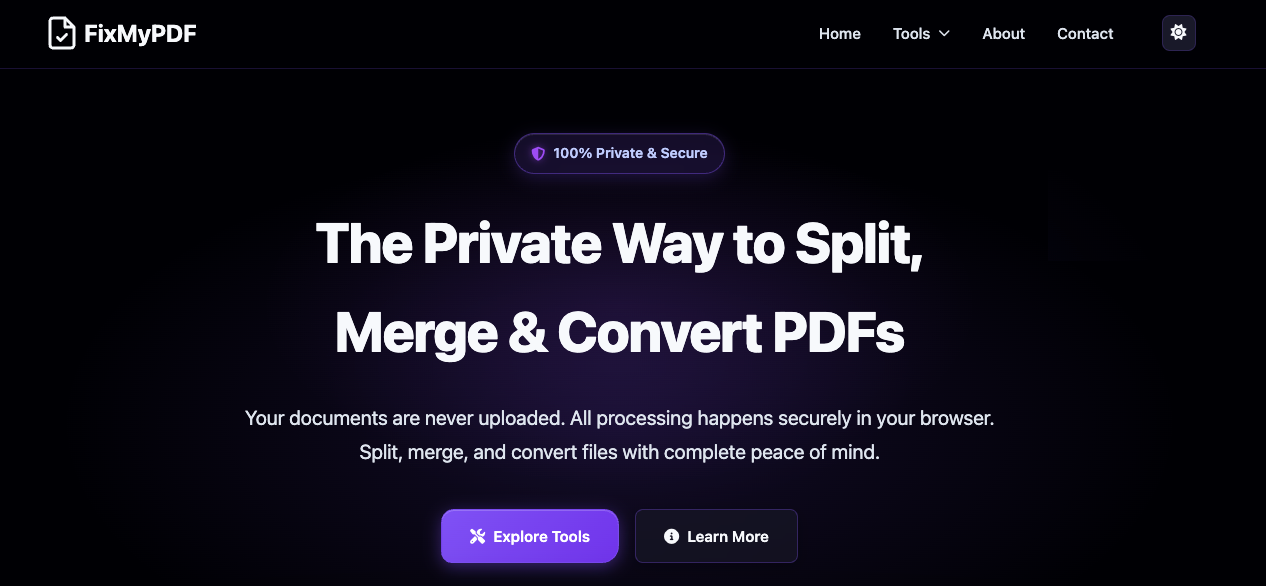
🧘♂️ PDFYogi — Private, Secure, and Instant PDF Tools that Run 100% in Your BrowserIn a world where every online PDF tool asks you to upload your files, PDFYogi takes a radically different approach.Your documents never leave your device.PDFYogi is a next-generation suite of 20+ PDF tools that work entirely inside your browser using WebAssembly—the same high-performance tech that powers modern web apps like Figma. All processing happens locally, giving you speed, security, and complete privacy. No uploads, no waiting, no data leaving your computer.🔐 Why We Built PDFYogiMillions of people rely on tools like iLovePDF, SmallPDF, and Adobe Acrobat Online to merge, compress, or convert PDFs. These platforms are polished and powerful, but they all share one design choice: your files are uploaded to their servers.That’s convenient—but risky—when your PDFs contain confidential contracts, bank statements, medical reports, or identity proofs.In today’s internet, where data leaks, scams, and AI scraping are at an all-time high, even a “temporary upload” can expose sensitive information. We built PDFYogi to solve this fundamental trust problem.PDFYogi processes every file locally on your browser. Nothing is sent to the cloud. Nothing is stored. You can edit, compress, convert, and protect your PDFs knowing that the content never leaves your computer.⚙️ What You Can Do with PDFYogiPDFYogi gives you every essential PDF feature, re-engineered for privacy:🗜️ Compress PDF – Reduce file size instantly without uploading.🧩 Merge or Split PDFs – Combine or separate pages offline.🔒 Protect & Unlock PDFs – Add or remove passwords securely.✍️ Sign, Watermark & Number Pages – Professional finishing tools.🖼️ Convert Between Formats – PDF ⇄ Word / Excel / PowerPoint / JPG / PNG.📑 Extract, Crop, Rotate, and Organize Pages.🔍 OCR Support – Make scanned documents searchable directly in your browser.Every tool is fast, lightweight, and works on desktop and mobile. There’s no signup, no login, and no tracking.⚡ Faster Than Cloud ToolsBecause there’s no upload or download step, PDFYogi often finishes a task 5–10× faster than server-based alternatives. You’ll see results instantly—ideal when you’re on a deadline or dealing with large files.🔒 Built for Professionals Who Value ConfidentialityPDFYogi is designed for:Lawyers and consultants handling sensitive contracts.Freelancers and startups managing client proposals or NDAs.Finance teams processing invoices and reports.Students and teachers sharing research papers securely.Anyone who simply wants peace of mind while working with personal documents.🌍 Multilingual and AccessiblePDFYogi is currently available in English, Spanish, and Portuguese, with more languages coming soon. Each localized version is fully SEO-optimized with translated URLs and content, ensuring a smooth experience for users worldwide.🧩 How It WorksWhen you open a tool, our lightweight WebAssembly engine runs directly in your browser tab. Your CPU handles the conversion or compression in real time. Once you close the tab, everything disappears—no residual files, no cloud copy, no traces left behind. It feels like a native app but runs completely on the web.🚀 The Future of Privacy-First ProductivityOur mission is to make secure, offline-style document processing accessible to everyone online.Upcoming features include:AI-based summarisation and Q&A on PDFs.Offline Progressive Web App (PWA) mode.Developer SDKs for integrating PDFYogi’s browser engine into enterprise apps.We envision a world where people no longer have to trade privacy for convenience.💬 Try PDFYogi TodayExperience the simplicity of modern PDF editing—without the risk of uploading your files.Fast. Private. Free.👉 https://pdfyogi.com